 Location :
Orlando, FL, USA
Location :
Orlando, FL, USA +1 (407) 714-1616
 info@biz4group.com

 AI Summary Powered by Biz4AI
- Financial reporting takes time long before the final report is ready, with information gathering, drafting, formatting, and repeated report-building work all adding to the process.
- Automation of financial reporting can save the most time by reducing repetitive work and helping teams move faster from available information to a workable first draft.
- Client reporting automation works best when it takes care of repeatable tasks without removing the advisor from decisions that require client context and professional judgment.
- A useful workflow should work with existing information, support different reporting requirements, and make AI-generated drafts easy to review and refine.
- The real value of AI financial reporting lies in giving advisors a strong starting point faster.
- These principles shaped WorthOne Plan, Biz4Group LLC’s AI-powered product for helping advisory teams spend less time building reports and more time getting them ready for the client.
For many advisory teams, creating a financial report takes time in places that are easy to overlook.
The data may already exist. Client information may already be available. Yet someone still has to bring the right information together, turn it into a useful report, build the first draft, format it, make changes, and prepare the final version for the client.
This is where financial reporting automation becomes more nuanced than simply using AI to generate a report. Some parts of the workflow can be reduced to a few interactions. Others still need the advisor to decide what matters, shape the final output, and make sure the report is ready for the client.
At Biz4Group LLC, that distinction has been especially relevant while building an AI-powered product around financial report creation. The work goes beyond linking AI model development to a chat interface. It involves thinking through how financial information enters the workflow, how different report requirements are handled, where AI should create the first draft, and where the advisor needs the ability to step in, edit, preview, and finalize the output.
That makes one thing clear: the biggest opportunity in financial reporting automation is not automating everything. It is knowing exactly where automation can remove meaningful work.
Why Does Financial Reporting Take So Long?
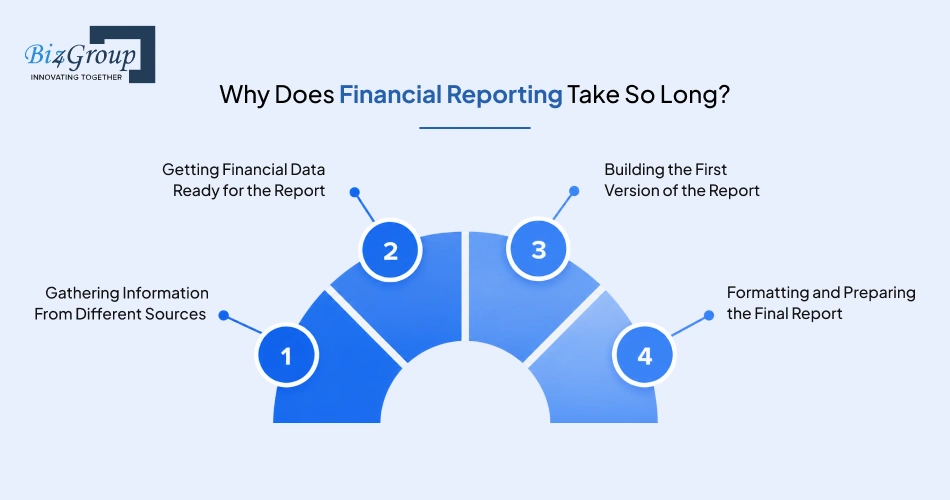
Because creating a financial report involves several steps, each with its own manual work. The data may already exist, but it still needs to be gathered, prepared, turned into a report, and packaged for the client.
|
Part of the Process |
Where the Time Goes |
|---|---|
|
Gathering Information From Different Sources |
Finding and pulling the right information |
|
Getting Financial Data Ready for the Report |
Organizing data for the required report |
|
Building the First Version of the Report |
Structuring content and creating the initial draft |
|
Formatting and Preparing the Final Report |
Making the report presentable and ready to share |
The important part is that the time adds up across the workflow. That is why effective financial reporting automation starts with identifying where repetitive work is actually happening.
Which Parts of Financial Reporting Can Be Automated?
The best candidates for automation are usually the repetitive parts of report creation. If the same work keeps happening before, during, or after a report is drafted, it is worth asking whether that work really needs to be done manually every time.
Bringing Information Into One Workflow
Report creation can involve more searching than actual reporting. Client and financial information may sit across different files and sources, which means the team spends time locating and moving what it needs before the real work begins. How much of that back-and-forth actually adds value? Automation can bring relevant inputs into one workflow and reduce those unnecessary steps.
- Practical example: A user pulls a client file directly from Google Drive into the reporting workflow instead of downloading, locating, and re-uploading it.
Creating a First Draft From Available Data
When much of the required information is already available, starting from a blank page can be an unnecessary use of time. AI automation can turn defined inputs and a report request into a structured first draft, giving the advisor something concrete to review and build on.
- Practical example: An advisor requests a specific report, and the system creates an initial draft with the relevant sections already structured.
Cutting Down Repetitive Report-Building Work
Different clients need different reports, but the underlying work is not always completely different. If a team is repeatedly rebuilding familiar sections, structures, or report components, that is a strong sign that part of the workflow can be automated. The aim is to reduce repetition without forcing every report into the same final output.
- Practical example: A reporting workflow combines predefined modules into different report types instead of requiring the team to build each report structure from scratch.
Speeding Up Formatting and Report Preparation
The report may be complete from a content perspective, but that does not always mean it is ready to send. Formatting, tables, headings, and presentation changes can create another round of work. And once that work starts, how often does the report end up moving between different applications just to get the final presentation right?
- Practical example: A user changes a headline color or adds a table directly within the reporting workflow rather than moving the report into a separate application.
The best automation opportunities are often easier to spot when the workflow is broken into these smaller pieces.
Where Does Financial Reporting Automation Save the Most Time?
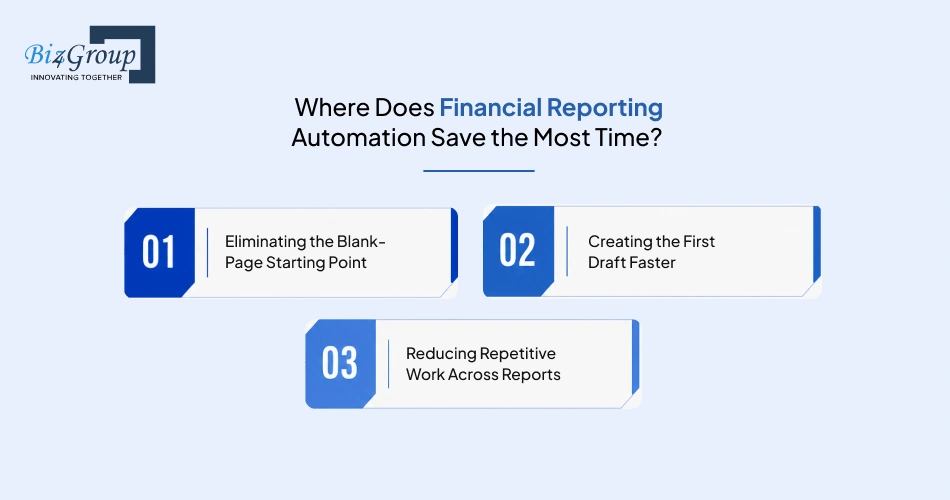
Financial reporting automation saves the most time where the workflow involves repeated manual effort. How much time does the team spend getting from information that already exists to a report someone can actually work with? That gap is often where automation has the biggest impact.
Eliminating the Blank-Page Starting Point
Starting from scratch means deciding how the report should be structured, gathering the right information, and building an initial version before refinement can even begin. When the underlying information is already available, automation can remove much of that starting work.
Creating the First Draft Faster
A first draft does not need to be perfect to save time. It needs to give the advisor something useful to work with. Why spend hours building a starting point manually when the initial structure can already be in place? The advisor can then focus on reviewing, refining, and improving the report.
Reducing Repetitive Work Across Reports
Different reports may have different requirements, but teams often repeat the same underlying work. Recurring sections, familiar structures, and common report components do not necessarily need to be rebuilt every time. Automation can handle more of that repeatable work while leaving room for the report to be shaped around the specific requirement.
The biggest time savings usually come from reducing the distance between available information and a workable first draft.
Stop Rebuilding Reports From Scratch
See how financial reporting automation can reduce repetitive work and give advisors a faster starting point.
Explore AI Reporting SolutionsWhat Still Needs an Advisor’s Time?
A faster reporting workflow does not remove the advisor from the process. Someone still has to decide what deserves the client’s attention, shape the report around their situation, and take responsibility for what finally goes out.
|
What Still Needs the Advisor |
Why It Needs Human Input |
|---|---|
|
Deciding What Information Matters |
Not every available data point belongs in the report |
|
Shaping the Report Around the Client |
The same information can matter differently to different clients |
|
Reviewing and Approving the Final Report |
The final output still needs professional review before delivery |
That is the line automation should not cross: making the advisor’s work lighter is one thing; replacing the advisor’s judgment is another.
What Makes Financial Reporting Automation Actually Useful?
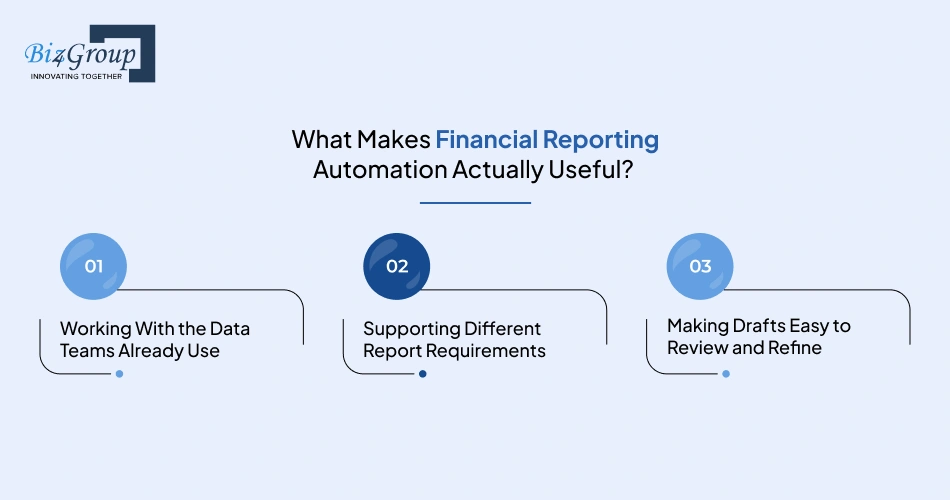
Financial reporting automation is only useful when it saves time without adding new work somewhere else. If teams have to prepare everything manually before starting, work around a rigid report structure, or move drafts between tools just to make simple changes, where is the time saving really coming from?
Working With the Data Teams Already Use
The reporting process should start with information the team already has, rather than creating another round of downloading, uploading, and moving files around. The easier it is to bring existing data into the workflow, the easier it becomes to use financial reporting automation consistently.
- Practical example: A user brings a relevant file directly from Google Drive into the reporting workflow instead of downloading it first and uploading it again.
Supporting Different Report Requirements
Advisory teams do not create the same report for every client. A useful system needs to handle different report requirements without making users rebuild the entire process each time.
- Practical example: Different report types are created using different combinations of predefined modules based on what the advisor needs.
Making Drafts Easy to Review and Refine
Creating a draft is only one part of the job. Can the advisor see how the report looks, make changes, and keep refining it without jumping between different tools? That is what turns a generated draft into something the team can actually work with.
- Practical example: An advisor previews the report in the interface, edits a section, changes headline colors, or adds a table before preparing the final version.
In the end, useful financial reporting automation should fit into the team’s workflow rather than asking the team to fit around it.
See What AI Can Take Off Your Plate
Explore how automated client reporting can handle more of the repetitive work while advisors stay in control of the final report.
Discuss Your Reporting Needs With UsHow Does WorthOne Plan Automate Financial Reporting?
WorthOne Plan helps advisors move from a reporting requirement to a workable draft without starting every report from scratch. The platform can generate different types of financial reports, including Annual Reports, Custom Reports, and other report formats designed around different advisory needs. The user starts with a prompt, works with the available financial information, and then shapes the draft before it is delivered.
Starting Report Creation With a Simple Prompt
The process starts with the user describing what they need. An advisor may be creating an Annual Report, a Custom Report, or another supported report type, and the prompt becomes the starting point for that workflow.
Instead of manually laying out the report and building its first version section by section, the advisor can begin with a clear request and move straight into report creation.
Turning Available Financial Information Into a First Draft
Once the reporting request and available information are in place, WorthOne Plan creates a structured first draft. The output is shaped around the type of report being created rather than forcing every requirement into one standard format.
This gives the advisor something concrete to review much earlier in the process. The question then becomes, “What needs to change?” rather than, “Where do I even start?”
Giving Advisors Control Over the Final Report
The first draft is only the starting point. Advisors can edit and refine the content, add tables, adjust headline colors, and make other changes to how the report looks. They can also preview the report within the interface before moving forward.
That is particularly useful for client-facing reporting, where the information may be ready, but the way it is presented still needs the advisor’s attention.
Moving From Draft to Client-Ready Report
Once the report has been reviewed and refined, it can be exported in PDF, Microsoft Word, or Microsoft PowerPoint format.
WorthOne Plan’s approach to financial reporting automation is therefore not about pressing a button and sending whatever AI produces. It is about cutting down the work between a reporting request and a client-ready report, while keeping the advisor involved in the parts where their judgment still matters.
The Goal Isn’t to Automate Everything
Financial reporting automation works best when it takes repetitive work off the advisor’s plate. Things like gathering information, creating a first draft, and repeating the same report-building work can take up a lot of time without always needing the same level of human effort.
But not everything should be handed over to automation. Advisors still need to decide what matters, shape the report around the client, and make sure the final version is something they are comfortable putting their name behind.
So maybe the better question is not, “How much of financial reporting can we automate?” It is, “What work can we stop doing manually?” That is usually where the real time savings begin.
FAQ’s
1. Why does it still take so long to create a financial report when the data already exists?
Because having the data is only one part of the process. Teams still need to find the right information, organize it, build the first draft, make changes, and prepare the final report for delivery.
2. Which parts of client reporting are worth automating first?
Start with repetitive work that happens across reports, such as bringing information into the workflow, creating the first draft, and reducing the need to rebuild familiar report sections.
3. Can AI turn existing financial information into a usable first draft?
Yes. If the required information is available, AI can help turn it into a structured first draft that an advisor can review and refine.
4. How do you avoid starting every client report from a blank page?
Use a reporting workflow that can begin with an existing data source and a clear report request. AI can then create a starting draft instead of requiring the advisor to build the entire report manually.
5. Can financial reporting automation handle different types of client reports?
Yes, provided the workflow supports different report requirements like Annual Reports, Custom Reports and more. The system should not force every client into the same report structure.
6. What happens when an AI-generated financial report needs changes?
The advisor should be able to review and refine the draft before it is finalized. That can include editing content, adjusting presentation elements, adding tables, or changing the report structure and format.
7. Can advisors review the report before exporting the final version?
Yes. A useful reporting workflow should allow advisors to preview and review the report before deciding it is ready for delivery.
8. Does automating financial reporting make every client report look the same?
It does not have to. Automation can handle repeatable work while still allowing the report structure, content, and presentation to be adjusted for individual clients.
9. Where should an advisor stay involved in an automated reporting workflow?
Advisors should remain involved in deciding what information matters, shaping the report around the client, reviewing the output, and approving the final version.
10. What is the fastest way to reduce repetitive work in financial report creation?
Look at the steps the team performs repeatedly across reports. The biggest opportunities often include gathering information, creating the initial draft, and rebuilding similar report components.
11. Can financial reporting automation work without replacing the advisor’s judgment?
Yes. Automation can handle repetitive parts of the workflow while the advisor remains responsible for context, client relevance, professional judgment, and final approval.
12. What should an advisory team automate first if report creation is taking too long?
Start by identifying where the most repeated manual effort occurs. The best first step is usually the part of the workflow that consumes time repeatedly without requiring the same level of advisor judgment.
